
Zero cloud · On-device · Offline
Meeting memory.
Strictly local.
Record on Apple Watch or iPhone. Transcribe offline.
Coming soon · One-time purchase · No subscriptions · No ads
MARKS02
STATUSREC
RECORDING
08:42
On-device
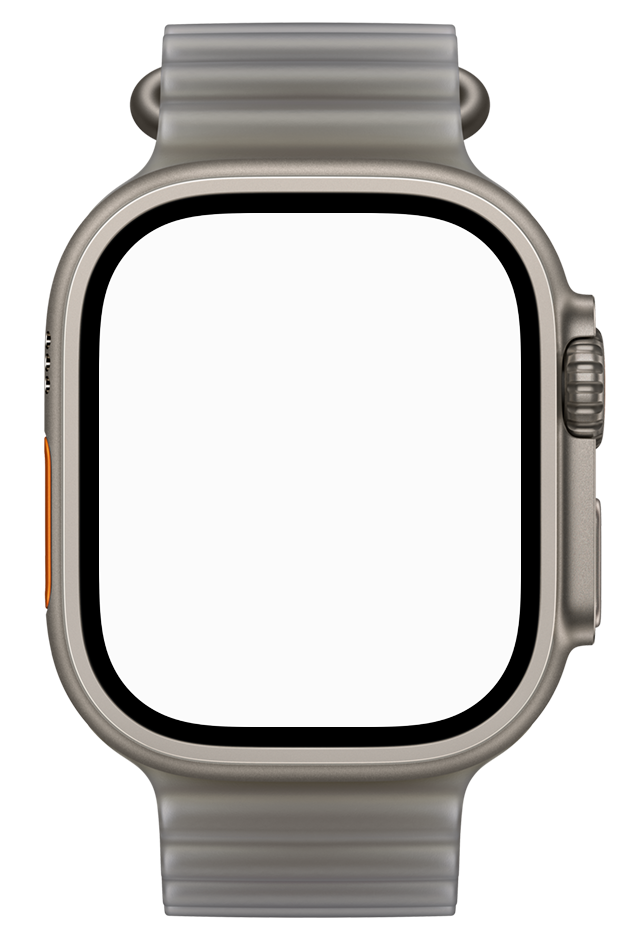
Apple Watch UltraPress orange button
MARKS00
STATUSREADY
READY
00:00
Tap to record
MON 23
9:41
Double Tap to stop
Apple Watch SeriesTap screen to try
0 cloud
No servers. No account.
100% offline
Record, transcribe, search.
0 audio sent
Stays on your devices.
- Audio
- On your devices only. Never uploaded.
- Transcription
- Offline, on-device · 19 languages.
- Watch to iPhone
- Direct transfer. Kept on Watch until saved.
- Account & tracking
- None.
- Optional AI
- Off by default. Bring your own key—text only, never audio.
How it works
Capture. Transcribe. Recall.
-
01
Capture
Apple Watch, iPhone Action Button, or Voice Memos.
-
02
Transcribe
Apple on-device speech recognition across 19 languages. Works offline.
-
03
Recall
Tap any marker or note to hear the exact second.
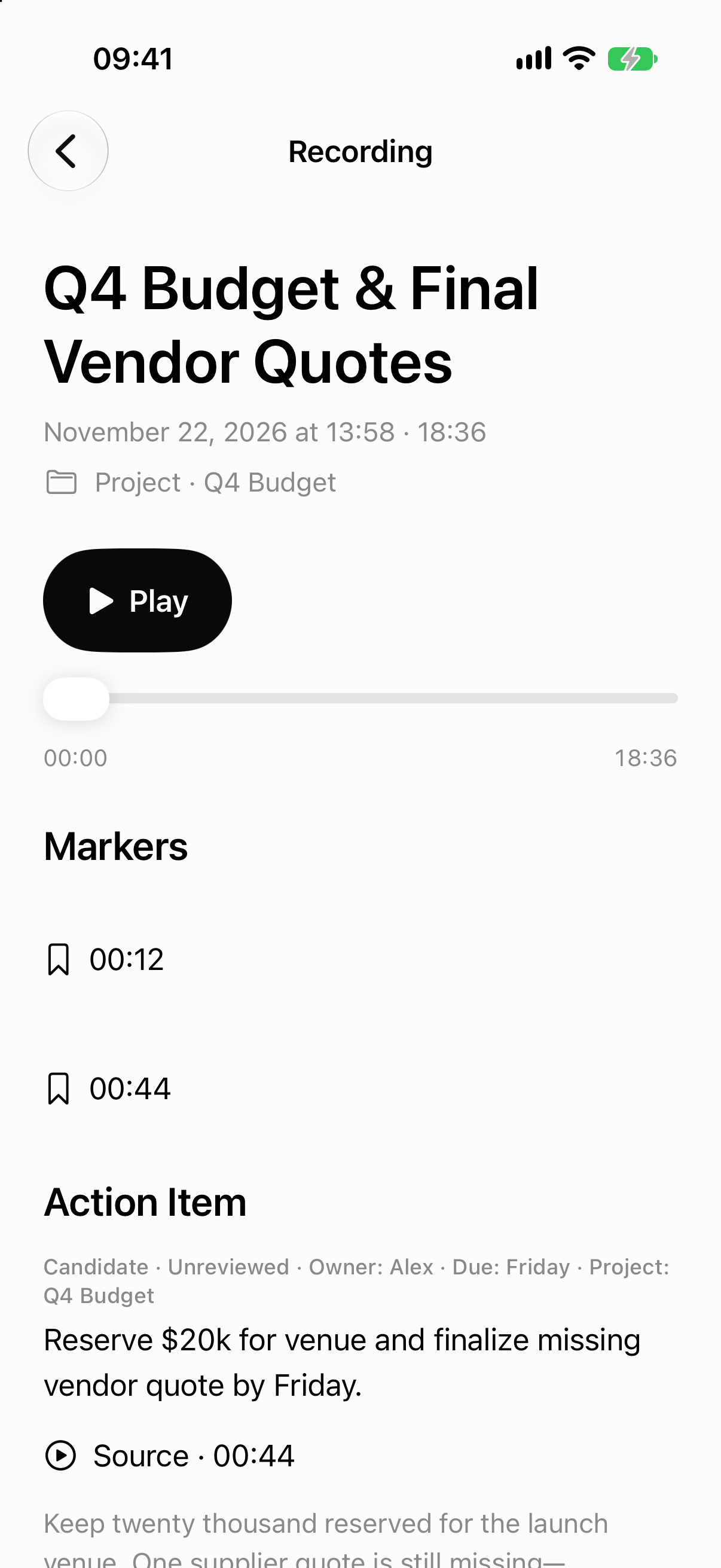
iPhone app
Recording
Every way in.
- Watch Ultra
- Action Button
- Watch Series
- Complication · Control Center
- Hands-free
- Double Tap to stop
- iPhone
- Lock Screen Action Button
- Import
- Voice Memos · Files